Why Most POS Systems Fail Restaurants
Offline failures, hardware lock-in, hidden fees: why most POS systems fall apart in real restaurant service and what actually matters.
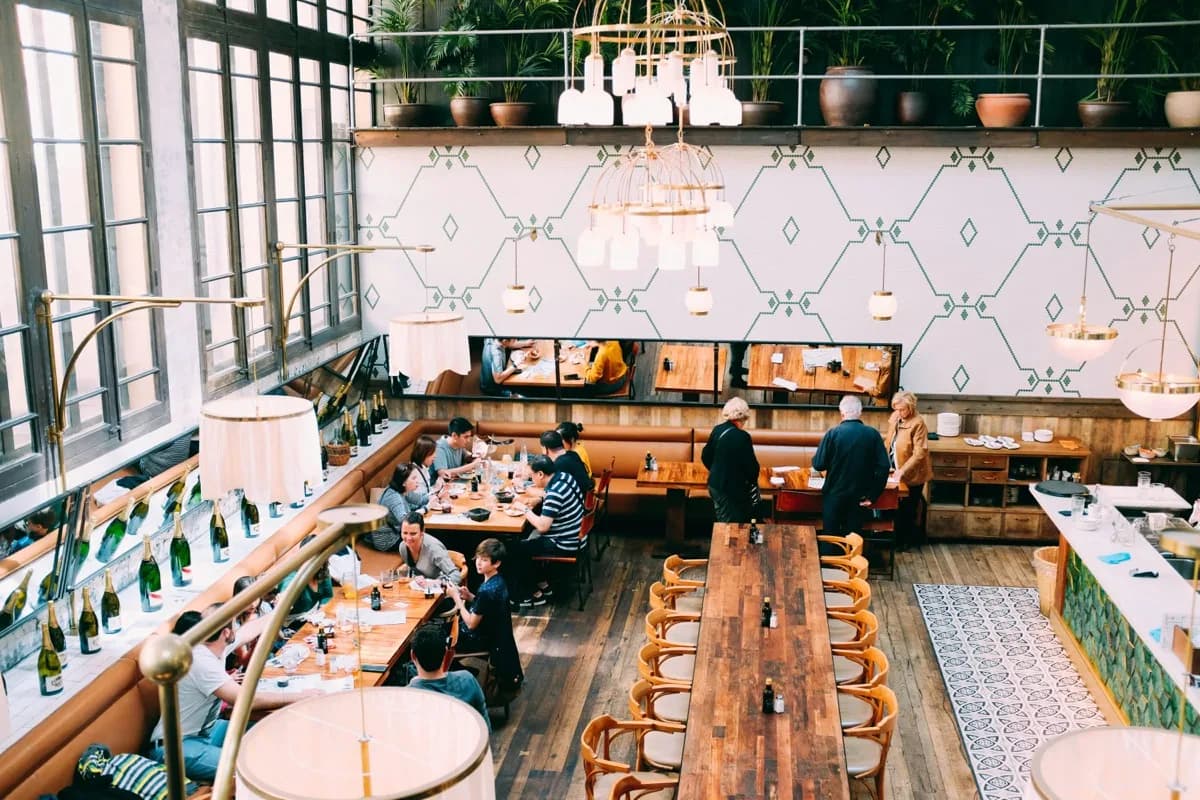
Friday night. 180 reservations, every table full, a waitlist at the door. The kitchen is firing on all cylinders, the bartender is juggling three cocktails at once, and the floor staff is pushing through the rush. Then it happens: the router drops for three seconds.
Three seconds. That's all it takes.
The POS system freezes. The bartender can't close tabs. The server can't split a check. The kitchen stops getting new orders. And suddenly you're scribbling on napkins like it's 1995.
I've lived through this. Not once, not twice, but so many times I stopped counting. Years in hospitality, working in restaurants and brewpubs, then in hostels and hotels across three continents. And everywhere, the same story: POS systems that break down the moment things get busy.
The problem isn't a lack of POS systems. There are hundreds. The problem is that most of them weren't built for restaurants. Not really. They were built for demos, for pitch decks, and for trade show booths. And when Friday night rolls around and 200 guests want to order at the same time, you find out what these systems are actually worth.
The promise vs. the reality
Every POS system looks great in a demo. Clean interface, smooth animations, instant response times. The sales rep clicks through a few orders, shows the reports, maybe opens a table reservation. Looks good. Sold.
But demos don't have 200 guests. Nobody spills a beer on the terminal during a demo. There's no new server working their first shift, pressing the wrong buttons under pressure. No receipt printer jams, no Wi-Fi drops, no head chef yelling because tickets aren't coming through.
It's in that gap between the demo and a Saturday night service where most POS systems fall apart. And that gap is enormous.
A system that works under lab conditions is worthless if it crumbles under real ones. Restaurants aren't retail. A restaurant is chaos that you manage in real time. Every second your system takes to respond costs you money and sanity. Every extra tap a stressed server has to make is a mistake waiting to happen.
I've seen systems that ran beautifully on a brand-new iPad. Then six months in, the iPad has scratches, the storage is full, and the Wi-Fi is fighting interference from three neighboring networks. Suddenly every order takes four seconds instead of one. Four seconds sounds like nothing. Multiply it by 300 orders in an evening. That's over 20 minutes of lost time. Per shift.
"Offline mode" that isn't
"Our system works offline too." I hear this at every trade show and in every sales pitch. It's the most commonly told lie in the industry.
What most vendors sell as "offline mode": the system doesn't completely freeze when the internet drops. That's it. No crash. But no functioning operation either.
Here's what actually happens when the Wi-Fi goes down and your system supposedly works offline:
- Orders get lost once the connection comes back. The system doesn't know how to merge local data with server data. Result: missing orders or duplicates.
- Card payments stop working. The terminal needs internet. The guest is standing at the bar, card in hand, and you have to say: "Cash only right now." In 2026.
- Data diverges. Two terminals took different orders during the outage. When the network comes back, the system has two versions of the truth. Which one is right? Neither. You get to spend the rest of the night reconciling manually.
- Or, worst of all: the system just shows a loading spinner. No offline mode, no fallback, no error message. Just a spinning circle while the line at the register backs up to the door.
A real offline mode means the system keeps running entirely on the local device. You can take orders, manage tables, print tickets, generate checks. Everything gets stored locally. And as soon as the connection returns, it all syncs in the background automatically. No data loss, no duplicates, nothing for you to do.
This isn't a nice-to-have. For a restaurant, it's a baseline requirement. Your internet will go down. The question isn't if, it's when. And when it does, your system just needs to keep working.
Hardware lock-in and hidden costs
You sign a contract for a POS system. The monthly fee looks fair. Then the hardware list arrives.
A proprietary terminal that costs three times what a standard tablet would. A card reader that only works with this one system. A printer that isn't from any major manufacturer but a rebranded device you can only reorder through the vendor, with a markup of course.
And now you're locked in. You can't just switch because you've got thousands worth of hardware that doesn't work with anything else. You can't even change your payment processor because the terminal only supports one. You're chained to one vendor, not because they're the best, but because leaving would cost too much.
Then there are the hidden costs. The system starts at 29 a month. Sounds good. But then you need table management: extra. Multiple terminals: extra per device. Export reports: extra. API integration with your accounting software: also extra. After a year, you're paying 150 a month for features you needed from day one.
And the transaction fees. "Free" it says on the website. No monthly price. What it doesn't say: 1.9 percent per transaction. For a restaurant processing 30,000 a month in card payments, that's 570 a month. Every month. The "free" system is costing you almost 7,000 a year in transaction fees alone.
Always calculate the total cost over 12 months. Hardware, software, transaction fees, add-ons. The real price is almost always much higher than what's on the website. And if you pick a vendor with transparent pricing where you can see exactly what you're paying from the start, you'll avoid nasty surprises and usually save real money too. In our POS system guide for 2026, we break down these cost traps in detail.
Retail software in a restaurant costume
Here's the real problem with a lot of POS systems: they weren't built for restaurants. They were built for retail, and then someone slapped a restaurant icon on the website and renamed a few fields.
You can spot these systems by a whole set of symptoms.
Table management feels bolted on. Instead of the floor plan being the heart of the system, it feels like an afterthought. Maybe you can create tables, but the interaction is clunky: open a table, take an order, save, navigate back, next table. What a good restaurant system handles in two swipes takes five taps here.
There's no concept of courses. In a restaurant, guests order a starter course and a main course. The kitchen needs to know when to prepare what. Retail systems don't understand this. For them, an order is just a list of items. Course sequencing? Doesn't exist. You either note it in the comments field or yell it to the kitchen.
Splitting checks is painful. Four people at a table, each wants to pay for their own drinks and split dessert evenly. In a good system: three taps. In a repurposed retail system: six screens, five confirmation dialogs, and the total still comes out wrong because the system miscalculates tips and discounts when splitting.
Modifiers are an afterthought. "Steak medium rare, no sauce, side salad instead of fries." That's a normal restaurant order. In retail systems, modifiers are usually a band-aid. Either there's just a free-text field, or configuring modifiers is so tedious that your staff doesn't bother and just shouts the changes to the kitchen.
Kitchen routing barely exists. In a real restaurant operation, the appetizer goes to the cold station, the steak goes to the grill, the dessert goes to pastry, and the drinks go to the bar. A good system routes each item to the right station automatically. A retail system prints everything on one ticket, and your team sorts it out by hand.
And then there's the topic of open tabs. A guest sits at the bar, orders five drinks over the course of the evening, and pays at the end. That's an open tab. Completely normal in hospitality, completely foreign to retail software. Instead, you have to close each order as a separate transaction or come up with workarounds that nobody wants to deal with.
Next time you're evaluating a system, ask yourself: was this built for my operation, or was it built for a shoe store and repainted?
Updates nobody asked for
Monday morning, 9 AM. You open the system to prep for the day. The interface looks different. The buttons aren't where they were yesterday. The color scheme changed. Some menu item has a new name.
What happened? An automatic update. Overnight. No warning, no changelog, no option to decline.
Your team spent weeks learning where every button is. The new server finally had the workflow down. The chef knew exactly where to find incoming orders. And now everything has shifted. Not fundamentally, just enough to confuse everyone and produce mistakes all day.
What's worse: sometimes features disappear. Something you used daily is suddenly gone. Not broken — gone. Because the vendor decided it no longer fits the product. Or because it's now only available in the premium tier.
I know places where an update hit mid-service. Not in the morning, not overnight, but during the dinner rush. The system went down for two minutes to update. Two minutes at 8 PM on a Saturday. Do the math on what that costs.
Software updates are necessary. No question. But in restaurants, they need to be predictable, transparent, and controllable. You need to decide when you update. You need to know what's changing beforehand. And you need the option to postpone if it doesn't fit your schedule.
Support that only responds if you pay extra
Saturday night, 8:30 PM. Your POS system throws an error you've never seen before. Orders aren't reaching the kitchen. You have 25 tables waiting. You need help now.
You open the support portal. "Please describe your issue. Average response time: 48 hours."
48 hours. Your dinner service will be over in three hours. In 48 hours, the damage is already done: bad reviews, frustrated guests, a demoralized team, lost revenue.
But you're on the basic plan. Email support, response within two business days. For phone support, you need to upgrade. For priority support, upgrade again. And "premium support with guaranteed response times"? Another 50 a month on top.
That's like buying insurance that only pays out if you buy the more expensive insurance.
Good support in hospitality means someone picks up. Not tomorrow, not in 48 hours, but now. And the person on the other end understands what a dinner rush is. They don't suggest restarting the device while you have 50 waiting guests. They understand that every minute counts and that your problem can't wait until Monday.
When a vendor hides support behind paywalls, that tells you something about their priorities. And those priorities don't include you.
What a system built for restaurants actually looks like
I'm not going to read you a feature list. Instead, I want to describe how you recognize a system that was truly built for restaurants. Not for a trade show, not for an investor, but for a Friday night with 200 guests.
It was built by people who actually worked in hospitality. Not by people who once ate at a restaurant and thought, "this could be better." By people who cleared tables, wrote tickets, handled payments under pressure, and mopped the floor after close. People who know what it feels like when the system fails at the worst possible moment.
Offline capability isn't a feature, it's the architecture. The system was designed from the ground up to work without internet. Not as an emergency mode, not as a stripped-down version, but as a fully functional operation. Internet is a bonus for syncing, not a prerequisite for running your business.
It runs on standard hardware. No proprietary terminal, no special printer, no card reader that only works with this one system. A normal tablet, standard peripherals. If a device breaks, you go to the nearest store and buy a replacement. No calling the vendor, no waiting for delivery, no lock-in.
Transparent pricing. What's on the website is what you pay. No hidden surcharges for basic features, no fees that change after six months, no "starter" packages where half the essentials are missing. You see the price, you know the price, you pay the price.
Support treats your Saturday night outage as an emergency. Because it is one. Not as a low-priority ticket, not as an email that gets handled on Monday. As what it actually is: an urgent problem that's shutting down your operation and needs to be solved immediately.
These aren't unrealistic expectations. They're the basics. And if your current system doesn't meet them, maybe it's time to ask yourself why you're still using it.
We're building Kotao because we got tired of working with systems that weren't made for us. If you want to know where we come from and why we're doing this differently, read our story.